Introduction
One part of the TCsi Create My Config Expert software upgrade. It is built into the Expert Deployment guide for each lathe; run it from there so the steps are done in order.
-
-
The upgrade takes about 20 to 25 minutes if only the deployment file is applied, and about 45 to 50 minutes if the CNC software is also upgraded.
-
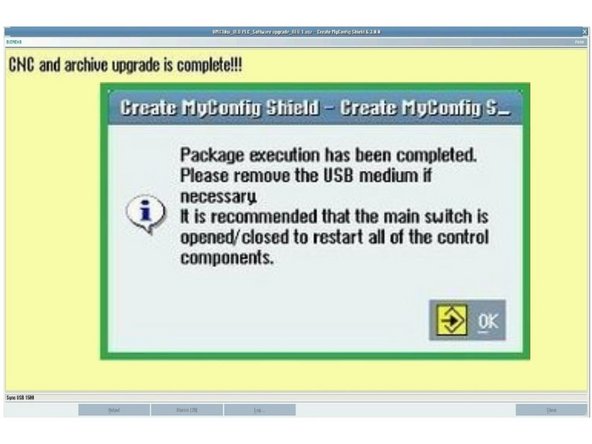
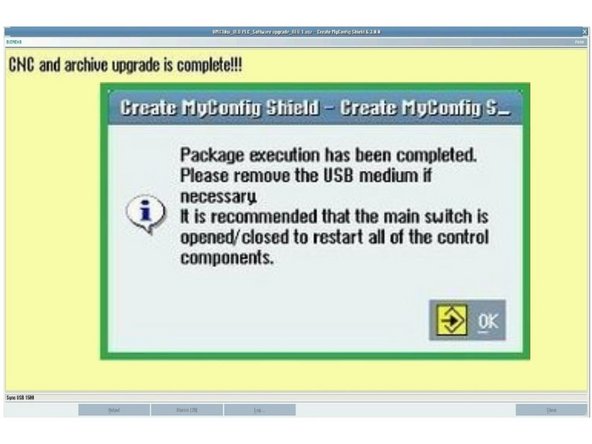
When the upgrade is complete, press [OK].
-
If the "Package Execution has been Completed" popup did not appear, or you see a red "Package Canceled" message at the top of the screen, the deployment did not run successfully. Contact TRAK Tech Support.
-
-
-
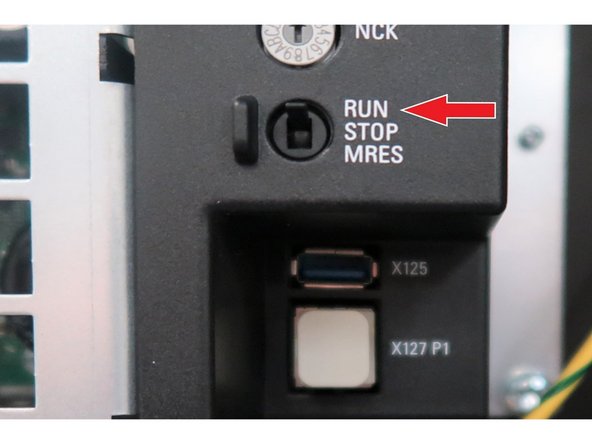
From the rear of the pendant, remove the USB stick. Set the switch to [RUN] while the machine is still powered. The machine interior lights come on.
-
Power cycle the machine.
-
If the switch was left in [STOP], the PLC will not start after the power cycle. The screen comes up, but the machine will not run and alarm 2000 "PLC sign-of-life monitoring" is shown.
-
To recover, with the machine on, move the switch to [STOP] and back to [RUN], then power cycle the machine again.
-
-
Verify date and time: [Setup] → [HMI] → [Date time]. Adjust if necessary.
-
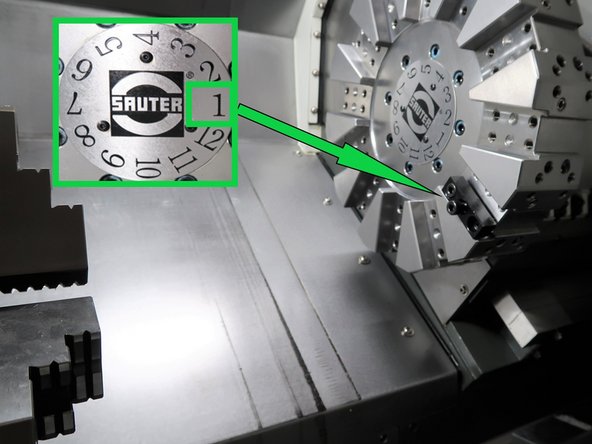
Go to [Machine] → [TSM] and verify the TSM screen shows Position 1.
-
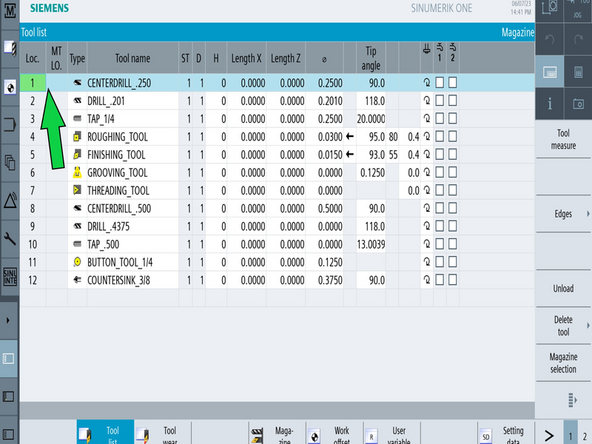
Go to [Tool List] and verify the turret position is at Tool 1.
-

Team